TicTacToe - Product feature guide
This one is an example of a software product/feature documentation that includes a write-up of available features, a short installation guide and a demo video for a product - a Tic Tac Toe CLI game that I built with a colleague for a code club at work.
Target Audience: Anyone with basic command line knowlede.
My contribution: Created this document from scratch, including a demo screencast and other assets.
AI usage: I used gen AI was used to scaffold this doc and then heavily edited it.
Intro
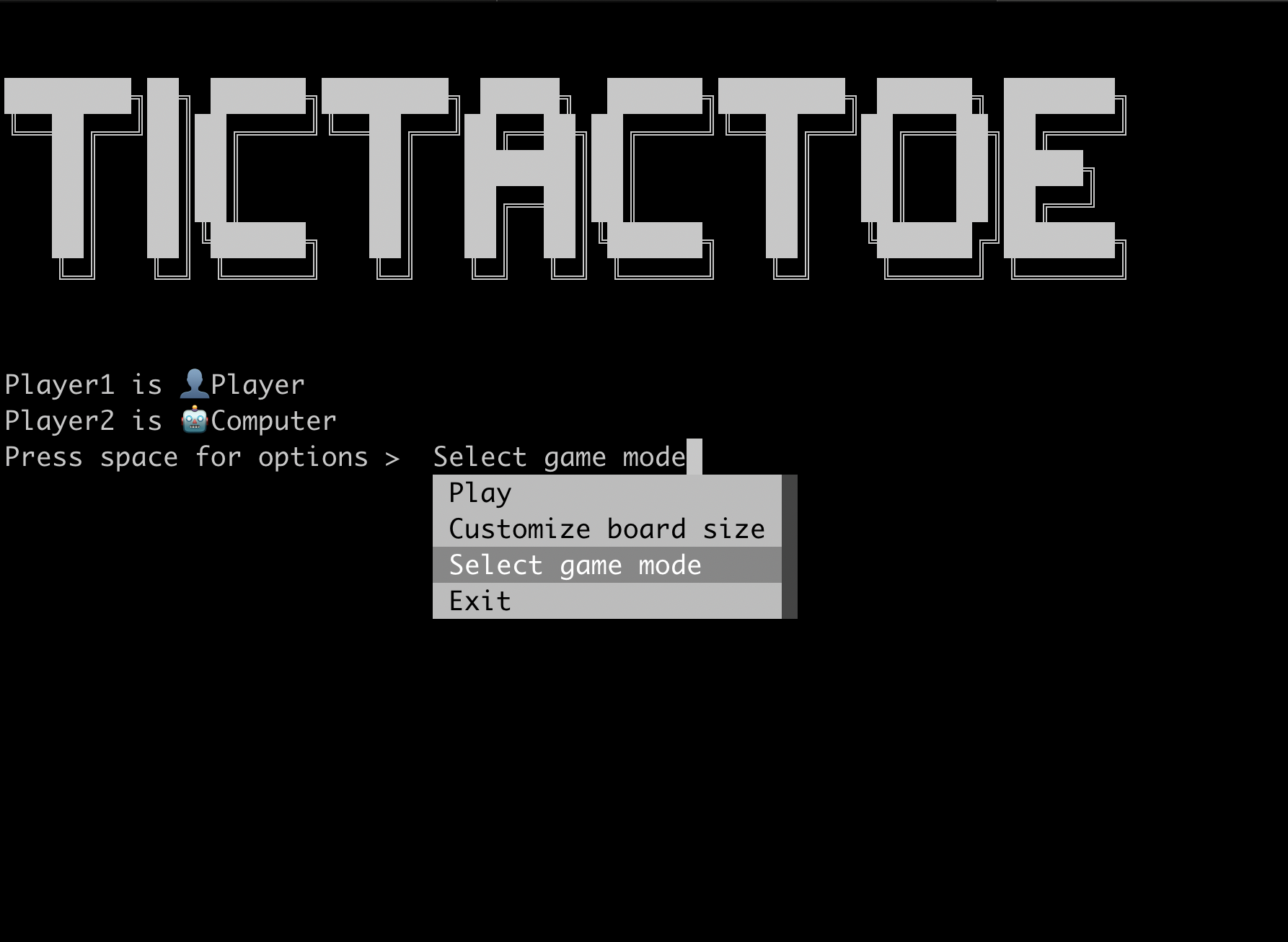
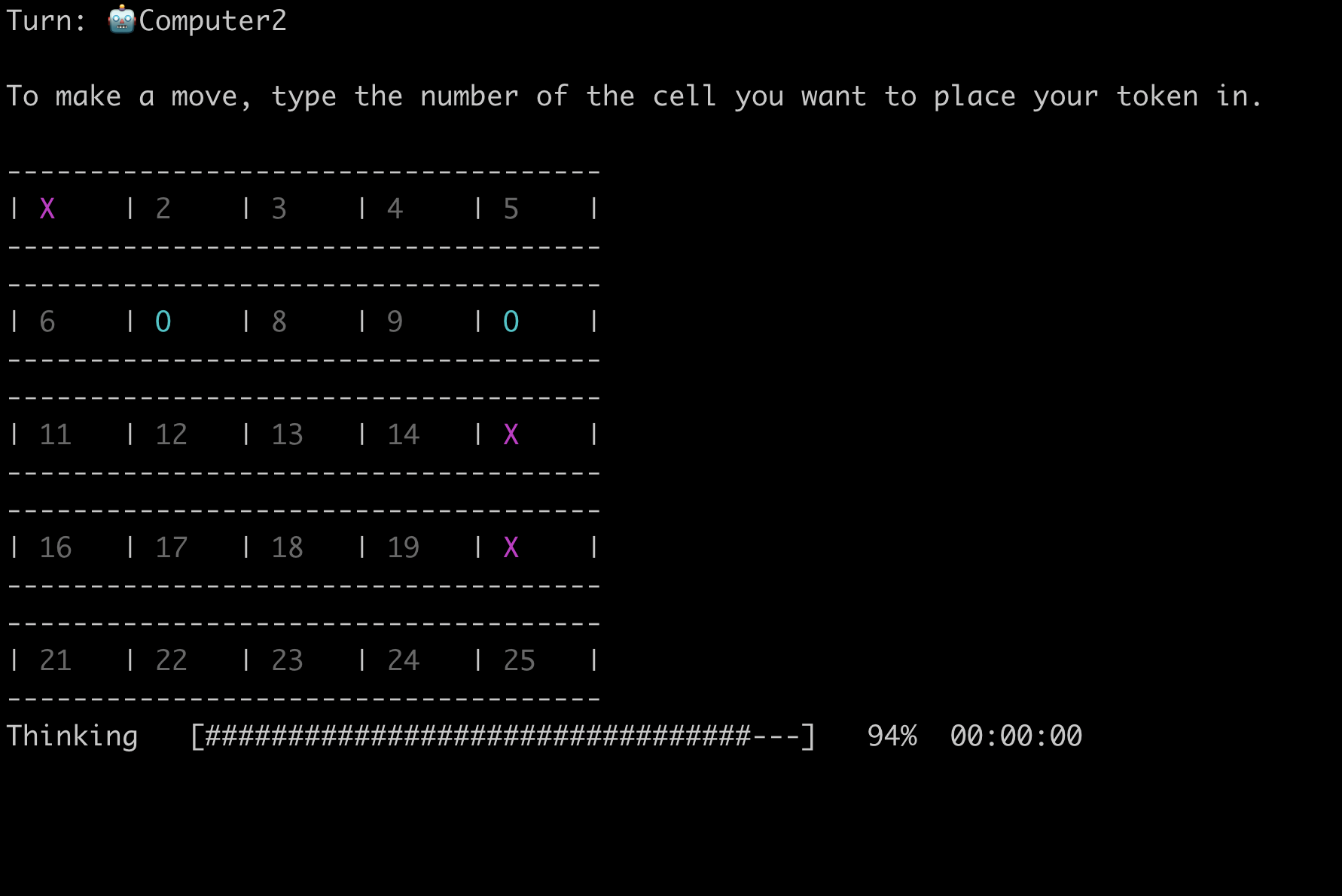
This is a Python implementation of the Tic Tac Toe game that includes classic game functionality and some experimental features.
What it can do
Game modes
- Player vs Player: Play against another human player, using CLI input.
- Player vs Computer: Challenge a (not very smart 🥹) AI opponent.
- Computer vs Computer: Watch two AI players compete, with friendly UI that allows you to follow what's going on.
Custom stuff
- Board Size Selection: Choose from standard or custom board sizes: 3x3, 4x4, 5x5 or your own custom size.
- Custom Tokens: Select unique tokens for each player.
Enhanced CLI
- Interactive Menus: Intuitive and user-friendly CLI for seamless navigation.
- Dynamic Feedback: Real-time updates and prompts for player actions.
- Clear Screen: Keeps the interface clean and focused during gameplay.
Smarter AI opponent experiments
ana/smart-computer branch includes the development of a smarter AI opponent using the Monte Carlo algorithm for the best move search. It's not quite made smart yet, the branch is still in development.
Replayability
- Replay Option: Easily restart the game after a match.
- Persistent Settings: Retain board size and player preferences for consecutive games.
How to install and play
- Clone the app directory, cd into it
   git clone git@github.com:chivoi/tictactoe.git
   cd tictactoe
- If you have Docker installed, you can run the app inside the Docker image:
    # build the image
   docker build . -t chivoi/tictactoe
    # run the app
   docker run  -it chivoi/tictactoe
    # Done 🎉
- If you don't have Docker, do this:
- Install Python as per Python docs
- Install pip as per pip docs
- Install dependencies:
pip install --no-cache-dir -r requirements.txt - Run the
main.pyscript to start the game:
python3 tictactoe/main.py - Follow the on-screen prompts to configure and play the game!